After we had developed our initial sketches, information architecture, and user task flows, we developed our first paper prototype of our app. Our paper prototype gave users their first opportunity to physically interact with our application. We sat down with a small group of users and let them explore the application on their own with as little input from us as possible. To give their exploration a direction, we prompted them with user stories to motivate their actions. Our observations of their behavior and their comments gave us insights on how intuitive our application was and what features were were important to the user.

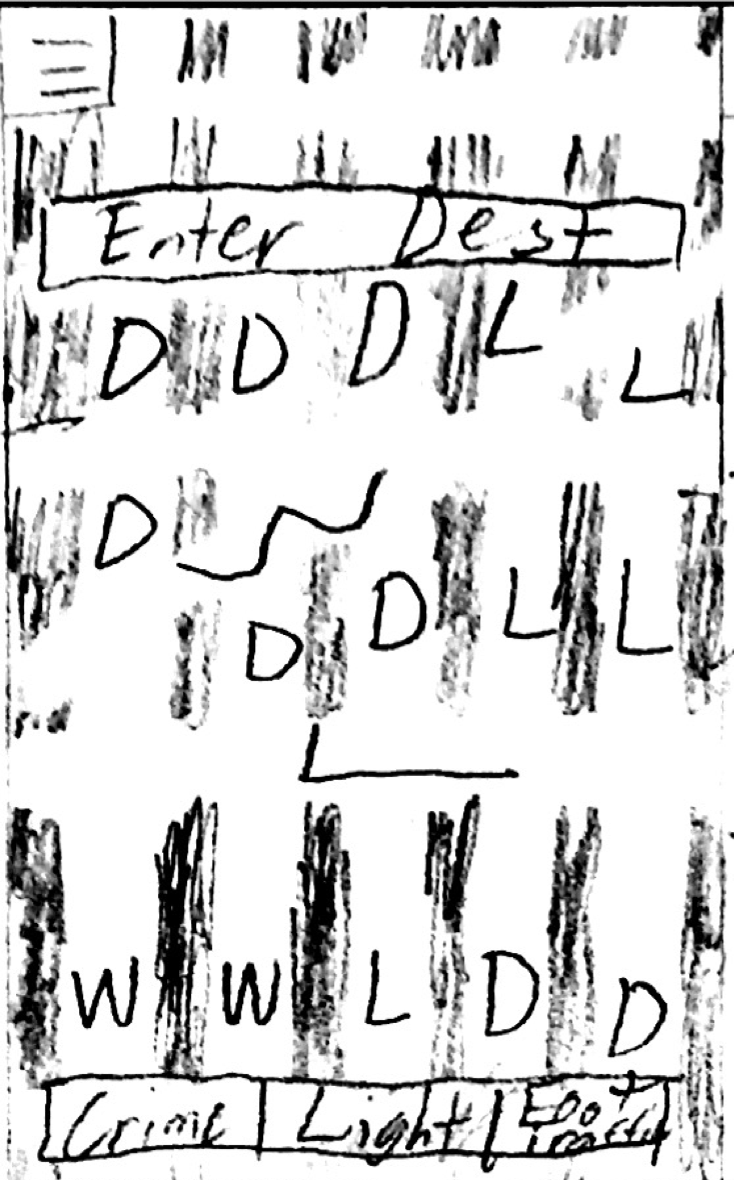
To help our users get started, we had the app start off with a tutorial screen to tell them how to use the app and how the app can help them be safer. Then we focused on creating helpful navigation screens, where we’d show users where they are on a map, and let them input a destination and suggest the safest rated routes to get to that destination.
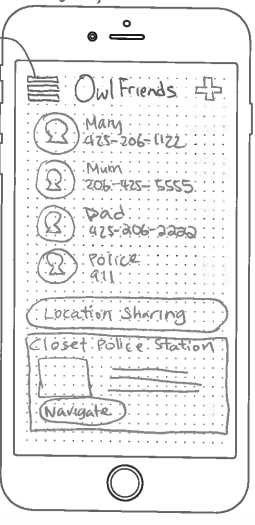
Below are the results of our paper prototyping efforts, which we then took to the user evaluation sessions in the next step where users “used” our prototypes, or so to speak, and gave us feedback on how they felt about this if it were an actual app.

1. As a student, I want to see suggested routes after I enter my starting and ending positions, so that I can see all the possible paths I can take. (Safe Path Finding)
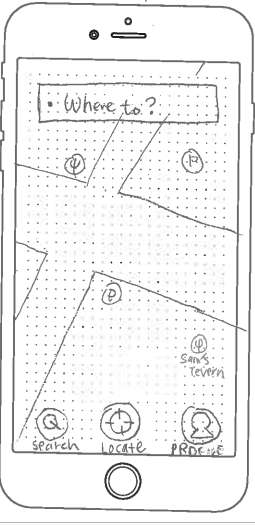
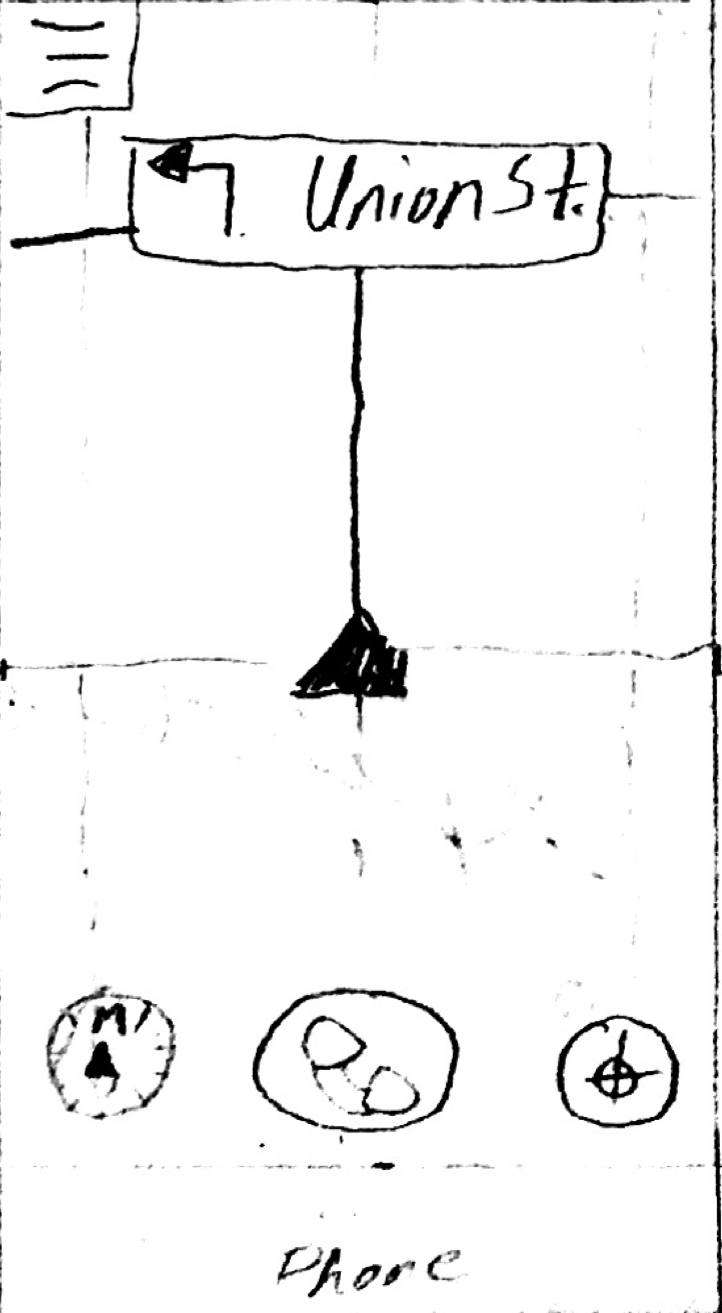
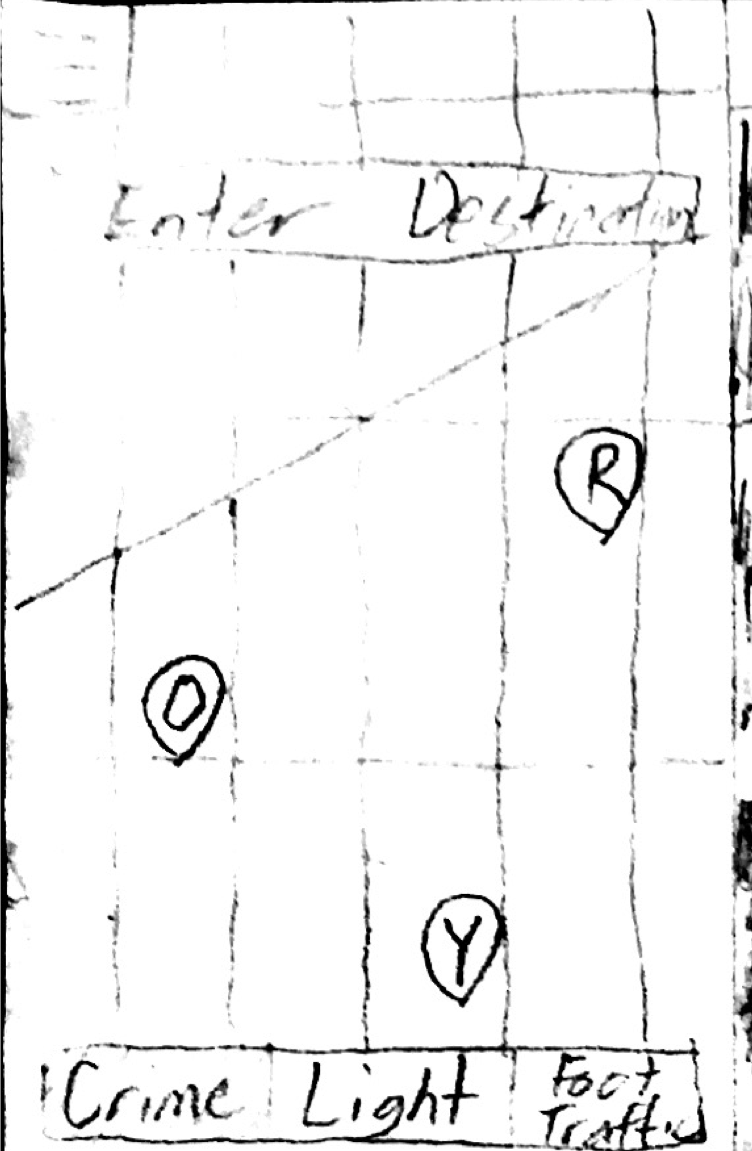
2. As a student, I want to have a well-lit path so that I could see my surroundings better when I’m walking alone. (Display Well-lit Places)
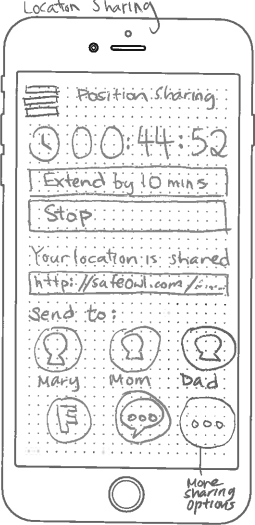
3. As a student, I want to share my real-time location with a list of people of my choice so that at least one person knows of my location in case something happens. (Sharing Location)
4. As a student, I want to find a path that is usually and commonly taken by others so that I could feel safer when I go the same way. (Foot Traffic Service )
5. As a student, I want to see safety information in the application, so I know my resources for getting help. (Emergency Contacts)
 SafeOwls